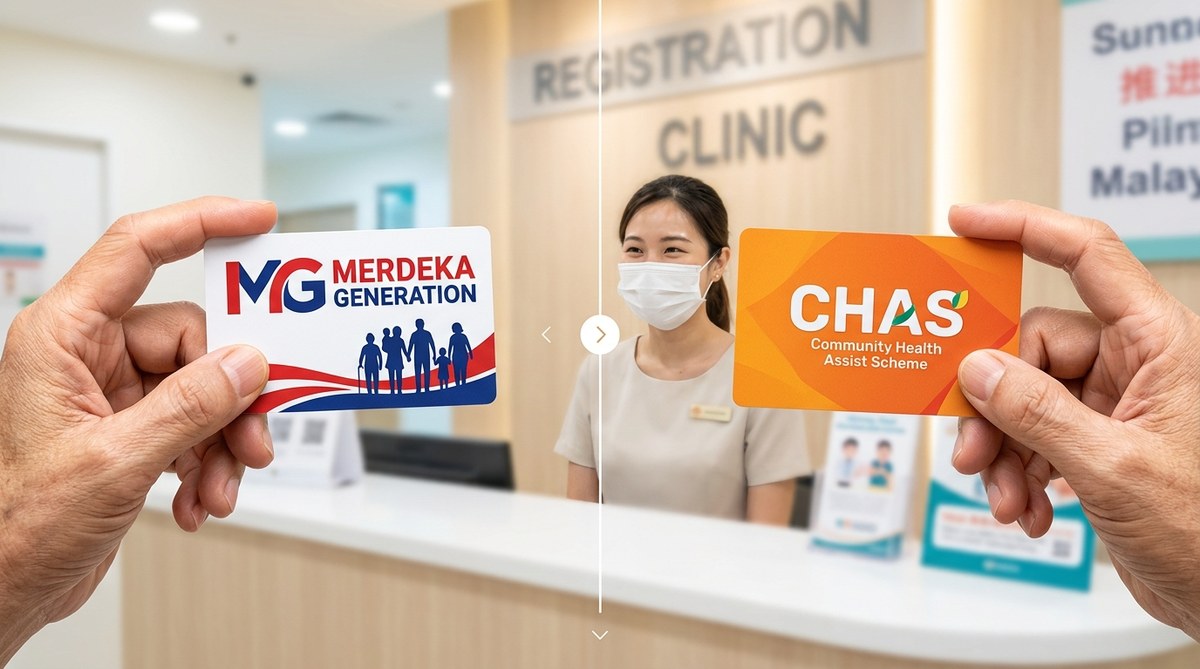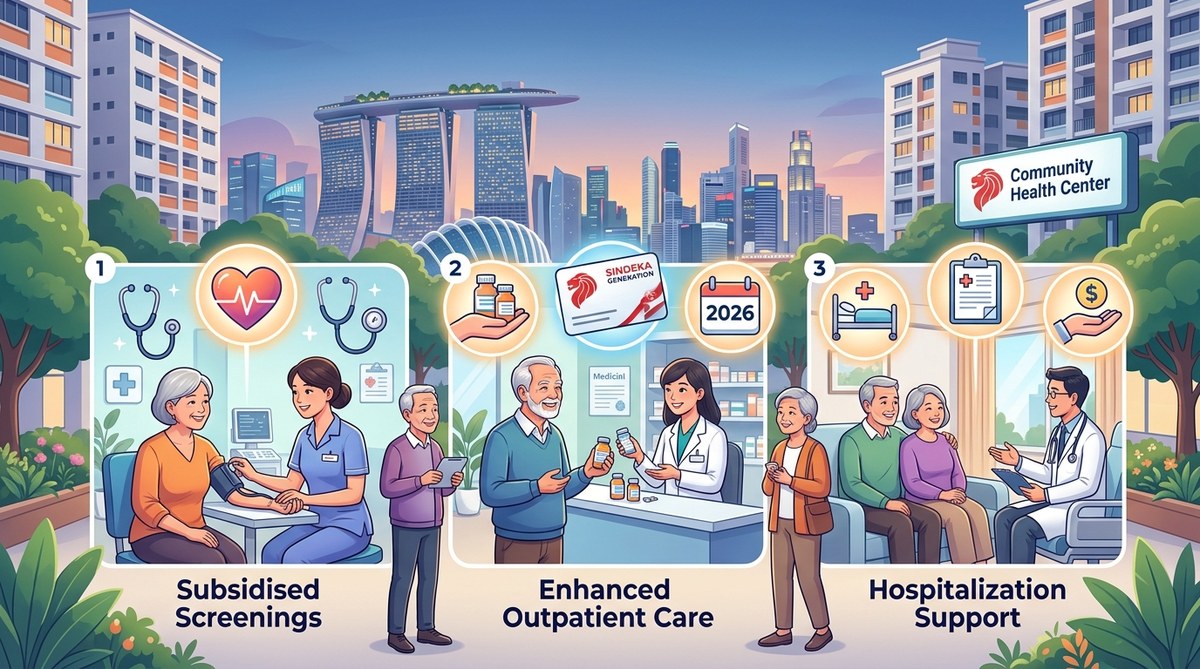
Healthcare costs in Singapore have been rising, and for Merdeka Generation seniors, every dollar counts. If you were born between 1950 and 1959, you may already know about the Merdeka Generation (MG) Package. But did you know that in 2026, the government introduced three new subsidies specifically designed to help you and your family manage medical expenses? These are not just minor tweaks. They offer real, tangible savings on outpatient care, chronic disease management, and even dental treatment. Let us walk through each one so you can start claiming what is rightfully yours.
Three new healthcare subsidies launched in 2026 expand the Merdeka Generation Package. They include higher outpatient subsidies at CHAS clinics, a new chronic disease support scheme, and an enhanced dental grant. Seniors born between 1950 and 1959 should check their eligibility now. Acting early ensures you do not miss out on hundreds of dollars in annual savings.
What Are the Three New Healthcare Subsidies in 2026?
The government updates the MG Package from time to time. In 2026, three major changes came into effect. Each targets a specific area where seniors often struggle with costs.
1. Enhanced Outpatient Subsidies at CHAS Clinics
Before 2026, MG cardholders already received subsidies at participating Community Health Assist Scheme (CHAS) clinics. The new update raises the subsidy cap for common services. For example, a general consultation that previously cost you $12 after subsidy may now cost as little as $6. This applies to all CHAS GP clinics.
What this means for you: If you visit a CHAS clinic twice a month, you could save around $144 a year just on consultation fees. That does not include savings on medications and simple procedures.
2. Chronic Disease Management Support Scheme (CDMSS)
Living with a chronic condition like diabetes, high blood pressure, or high cholesterol is expensive. The new CDMSS provides an annual credit of up to $200 specifically for managing these conditions. You can use it at any CHAS clinic or polyclinic.
How it works: The subsidy is not cash. It is a credit applied directly at the point of care. When you see a doctor for your chronic condition, the system deducts the cost from your CDMSS credit. This covers consultations, lab tests, and prescribed medications.
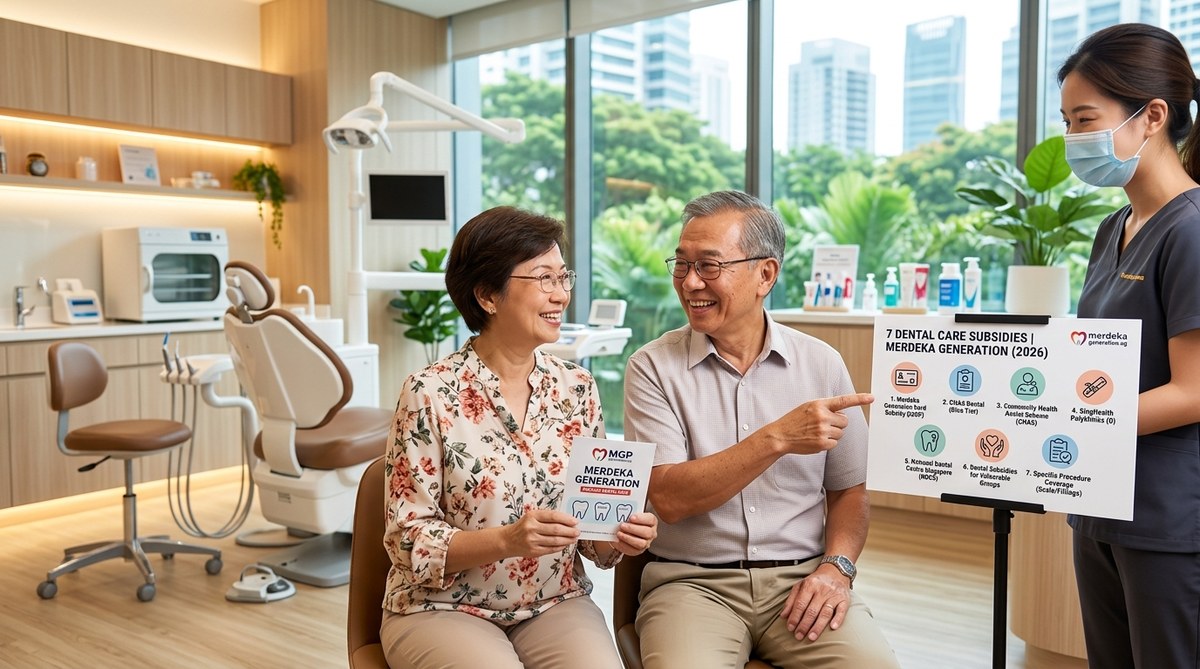
3. Enhanced Dental Grant for MG Seniors
Dental care is often overlooked until a problem becomes painful and expensive. The new Enhanced Dental Grant gives MG seniors up to $300 per year for dental treatments at CHAS-affiliated dental clinics. This covers scaling, polishing, fillings, and even extractions.
Important note: This is on top of the existing CHAS dental subsidies. If you already receive CHAS dental benefits, the new grant adds to your total allowance. You do not need to choose one over the other.
Who Is Eligible for These 2026 Subsidies?
Eligibility follows the same rules as the Merdeka Generation Package. You qualify if:
- You are a Singapore citizen.
- You were born between 1 January 1950 and 31 December 1959.
- You have a valid Merdeka Generation card.
If you are a caregiver for an MG senior, you can help them check. The subsidies are not automatic for everyone. You need to ensure your MG card is active and that you are registered with a CHAS clinic.
One common question: What if you lost your MG card? You can request a replacement through the Community Health Assist Scheme portal or visit a nearby Community Centre. Our guide on what happens if you lost your Merdeka Generation card walks you through the steps.
How to Claim the New Subsidies: A Simple 3-Step Process
Claiming these benefits is straightforward. You do not need to fill out complex forms or visit multiple offices.
-
Verify your MG card status. Check that your card is not expired and that your particulars are correct. If you have not used it in a while, the system may still have your records.
-
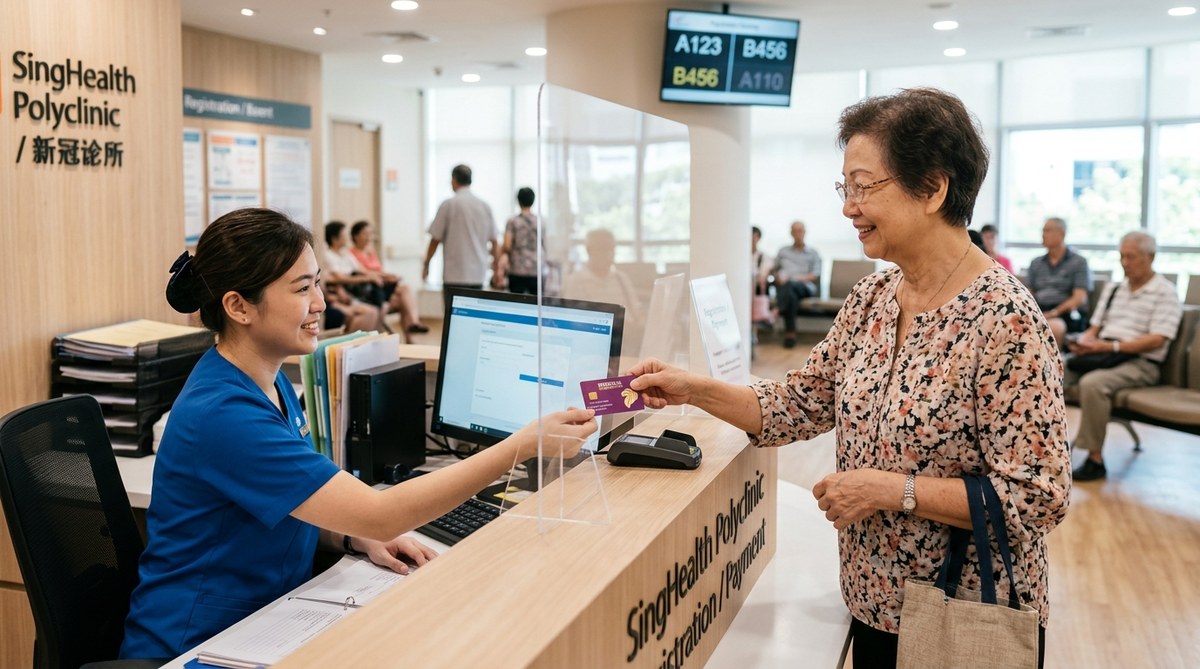
Visit a participating CHAS clinic or polyclinic. Not all clinics accept the MG card. Use the CHAS clinic locator on the official website to find one near your home in Ang Mo Kio, Bedok, Jurong, or any other estate.
-
Present your MG card at registration. Tell the clinic staff you want to use your Merdeka Generation subsidies. For the Chronic Disease Management Support Scheme, mention your condition so they can apply the correct credit.
That is it. The clinic handles the rest. You only pay the remaining amount after subsidy.
What These Subsidies Cover: A Handy Reference Table
To help you understand at a glance, here is a breakdown of what each new subsidy covers and what it does not.
| Subsidy Name | What It Covers | What It Does Not Cover |
|---|---|---|
| Enhanced Outpatient Subsidies | GP consultations, basic medications, simple procedures at CHAS clinics | Specialist referrals, hospital stays, private clinic fees |
| Chronic Disease Management Support Scheme | Consultations, lab tests, medications for chronic conditions (diabetes, hypertension, etc.) | Treatments for acute illnesses, non-chronic conditions, hospitalisation |
| Enhanced Dental Grant | Scaling, polishing, fillings, extractions at CHAS dental clinics | Dentures, crowns, implants, orthodontic work |
Expert advice from a financial counsellor: “Do not wait until your chronic condition worsens. The CDMSS credit resets every year. If you do not use it, you lose it. Even a simple check-up counts towards the credit.”
Common Mistakes to Avoid When Claiming
Many seniors miss out on these subsidies because of a few simple errors. Here are the most common pitfalls and how to avoid them.
-
Not updating your contact details. The government may send you notifications about new subsidies. If your address or phone number is outdated, you will miss them. Visit the CHAS website or call the hotline to update your information.
-
Assuming all clinics accept the MG card. Only CHAS-affiliated clinics are included. Private clinics that are not part of CHAS do not offer these subsidies. Always check before booking an appointment.
-
Forgetting to mention your chronic condition. When you see a doctor, tell them you have a chronic condition. Otherwise, the clinic may not apply the CDMSS credit. It is a simple step that can save you money.
-
Not combining benefits. You can use your MG subsidies alongside other schemes like MediSave. Our article on how to combine Merdeka Generation benefits with other government schemes for maximum savings explains how to layer your benefits.
How Much Can You Actually Save?
Let us put some numbers to it. Suppose you visit a CHAS GP four times a year for general health checks. At $12 per visit after the old subsidy, you paid $48 annually. With the enhanced subsidy, each visit costs $6. That is $24 saved.
Now add the Chronic Disease Management Support Scheme. If you have diabetes, you might spend $150 a year on consultations and test strips. The CDMSS covers up to $200, so you pay nothing out of pocket.
Finally, consider dental care. A scaling and polishing session costs about $80 at a CHAS dental clinic. With the Enhanced Dental Grant, that is fully covered. If you need a filling, that is another $60 covered.
Total potential savings in 2026: $24 (GP) + $150 (chronic care) + $140 (dental) = $314. That is money you can use for other needs like transport or groceries.
What If You Are a Caregiver?
If you are helping a parent or relative who is Merdeka Generation, you play a key role. Many seniors are not aware of these new subsidies. A simple conversation can make a big difference.
Start by checking if their MG card is still valid. Then, help them find a nearby CHAS clinic. Accompany them on their first visit to ensure the subsidies are applied correctly. Our guide on how adult children can help parents maximise Merdeka Generation subsidies offers more detailed steps.
What Has Not Changed?
While these three subsidies are new, the core benefits of the MG Package remain the same. You still receive the $200 annual MediSave top-up. Your MediShield Life premiums continue to be subsidised. And you still enjoy outpatient subsidies at polyclinics.
The new additions simply build on the existing framework. They do not replace anything. If you were already using your MG card, you are now eligible for even more support.
Your Next Steps for 2026
Do not let these benefits sit unused. Here is what to do this month:
- Locate your MG card and check the expiry date.
- Make a list of your regular medical needs: GP visits, chronic condition management, dental check-ups.
- Find a CHAS clinic near you that offers the services you need.
- Book an appointment and bring your MG card.
If you need help understanding the full MG Package, read our comprehensive guide on understanding the Merdeka Generation package in 2026. It covers everything from eligibility to claim procedures.
Making the Most of Your Healthcare Dollars
Retirement should be about enjoying time with family, not worrying about medical bills. These three new subsidies in 2026 are designed to give you breathing room. They are not complicated to use, and the savings add up over time.
Take a few minutes this week to verify your eligibility and visit a CHAS clinic. Your future self will thank you for acting now. And if you have questions, reach out to a caregiver or visit the official CHAS website. The support is there for you. All you need to do is claim it.